

Simplifying Online Booking Management for Your Business
- Daniel Kendall
- Aug 29, 2025
- 3 min read

Running a small business or offering services means juggling a lot. One thing that can really ease your day is having a smooth way to handle bookings. When customers can book online without fuss, you save time and avoid mix-ups. Let’s dive into how you can simplify this process and keep your business running like clockwork.
Why You Need to Manage Online Bookings Efficiently
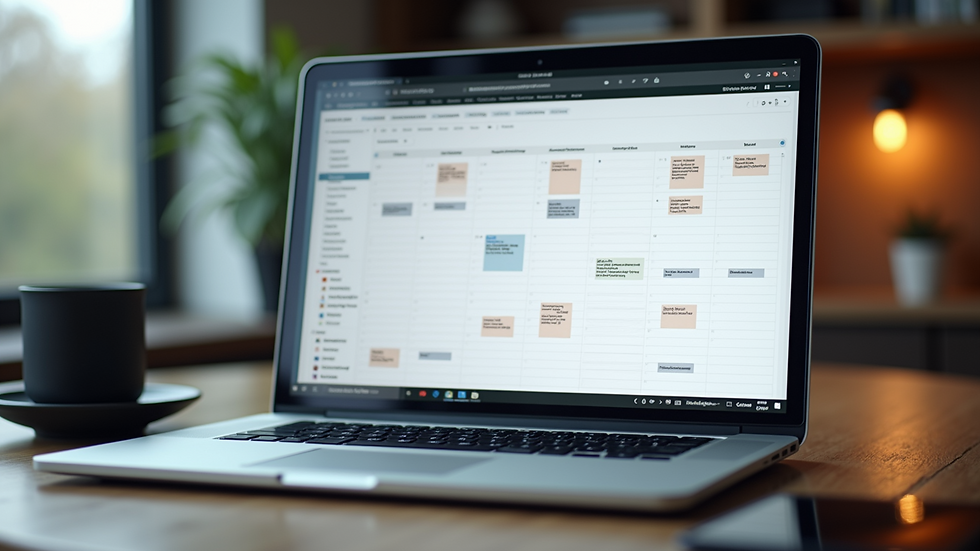
Managing bookings the old-fashioned way can be a headache. Phone calls, emails, and handwritten notes often lead to double bookings or missed appointments. When you manage online bookings, you get a clear, organised schedule that updates in real time. This means fewer errors and happier customers.
Here’s what efficient booking management does for you:
Saves time: No more back-and-forth calls.
Reduces errors: Automatic updates prevent double bookings.
Improves customer experience: Easy booking means more bookings.
Keeps you organised: View your schedule anytime, anywhere.
Imagine a customer booking a haircut or a consultation online at 3 PM, and your calendar updates instantly. You don’t have to lift a finger. That’s the power of a good system.

How to Manage Online Bookings Without Stress
You don’t need to be a tech wizard to get started. Many tools are designed with small businesses in mind. Here’s a simple plan to get your booking system up and running:
Choose the right platform
Look for a tool that fits your business size and type. It should be easy to use and reliable.
Set your availability clearly
Block out times when you’re not available. This avoids confusion and keeps your schedule realistic.
Automate confirmations and reminders
Let the system send emails or texts to your customers. This cuts down on no-shows.
Integrate payments if needed
Some platforms let customers pay upfront. This secures bookings and improves cash flow.
Keep your booking page simple
A clean, easy-to-navigate page encourages more bookings.
If you want a hassle-free way to handle this, check out online booking management. It’s designed to help small businesses get online fast and stay organised without the tech stress.

Does Google Have a Free Booking System?
You might wonder if Google offers a free booking system. The short answer is yes, but with some limits.
Google My Business lets you add a booking button to your profile. This connects with certain booking partners, allowing customers to book directly from Google Search or Maps. It’s a handy feature if you want to get started quickly without extra costs.
However, Google’s system depends on third-party providers. You’ll need to link your account to one of these partners to accept bookings. Also, the features might be basic compared to dedicated booking platforms.
If you want more control and features like automated reminders, payment options, and detailed scheduling, a specialised tool is better. But for a free, simple start, Google’s booking button is worth exploring.

Tips to Boost Your Booking System’s Success
Once you have your booking system set up, here are some tips to make the most of it:
Promote your booking link everywhere
Add it to your website, social media, email signature, and even printed materials.
Keep your availability updated
Regularly check and adjust your schedule to avoid disappointments.
Use customer feedback
Ask clients how easy the booking process is and make improvements.
Train your team
Make sure everyone knows how to use the system and handle bookings smoothly.
Monitor your bookings
Look for patterns like peak times or cancellations to optimise your schedule.
These small steps help you get more bookings and keep your customers happy.
Why LocalSetup Makes Booking Easy for Small Businesses
LocalSetup is built with small businesses and service providers in mind. It helps you launch your online booking system quickly without the usual tech headaches. You get a simple, stress-free way to manage your appointments and keep your business running smoothly.
Here’s why it stands out:
Quick setup: Get online fast with minimal fuss.
User-friendly: No complicated tech skills needed.
Reliable support: Help is just a call or message away.
Customisable: Tailor your booking page to fit your brand.
Affordable: Designed to suit small business budgets.
If you want to focus on what you do best and leave the booking hassle behind, LocalSetup is a great choice. It’s all about making your life easier and your business more efficient.
Getting your booking system right is a game-changer. It saves time, reduces stress, and helps you grow. Whether you start with Google’s free option or jump straight into a dedicated platform like LocalSetup, the key is to keep it simple and customer-friendly. Your business deserves a booking system that works as hard as you do.


Comments